> ## Documentation Index
> Fetch the complete documentation index at: https://docs.risingwave.com/llms.txt
> Use this file to discover all available pages before exploring further.
# Set up AWS RDS MySQL & Aurora (MySQL-compatible)
> How to set up AWS RDS MySQL or Aurora as a source for RisingWave.
We will use a standard class AWS RDS MySQL instance without Multi-AZ deployment for illustration, but the process will be similar for Aurora.
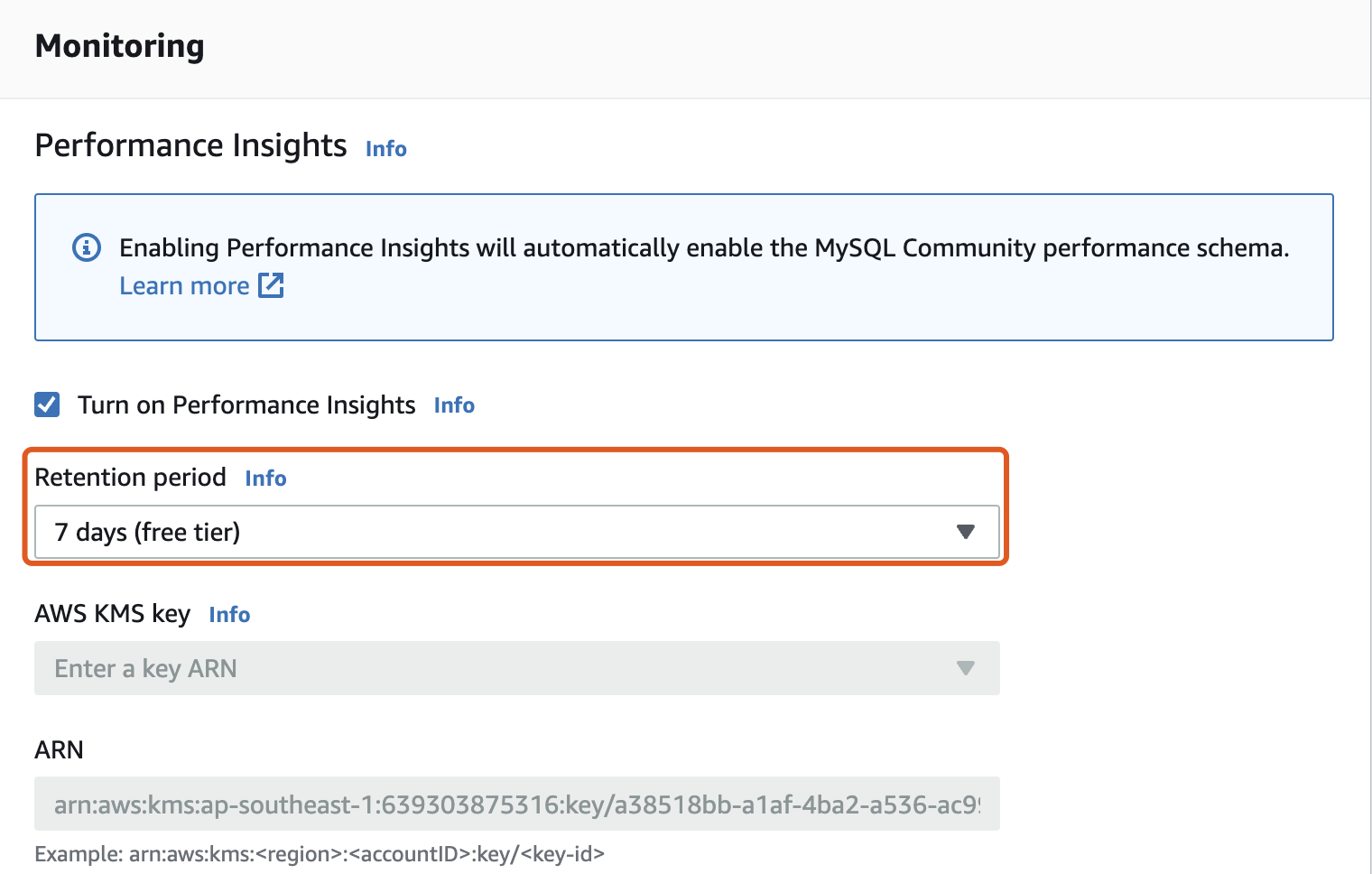
1. Turn on binary logging and choose a non-zero value for the **Retention period**.
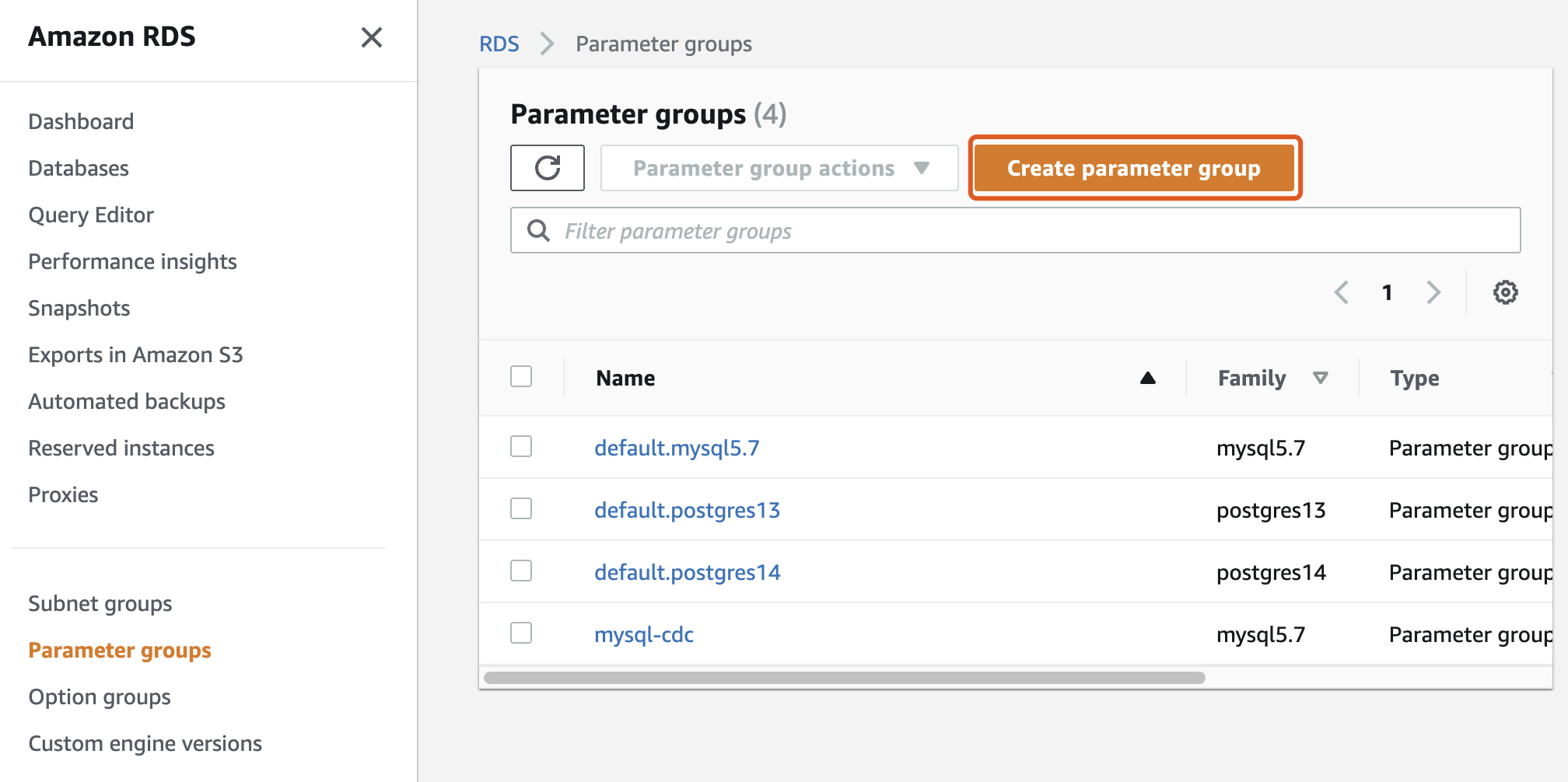
 2. Create a parameter group for MySQL instances. We created a parameter group named MySQL-CDC for the instance that runs MySQL 5.7.x.
 3. Click the MySQL-CDC parameter group to edit the values of **binlog\_format** to **ROW** and **binlog\_row\_image** to **full**.

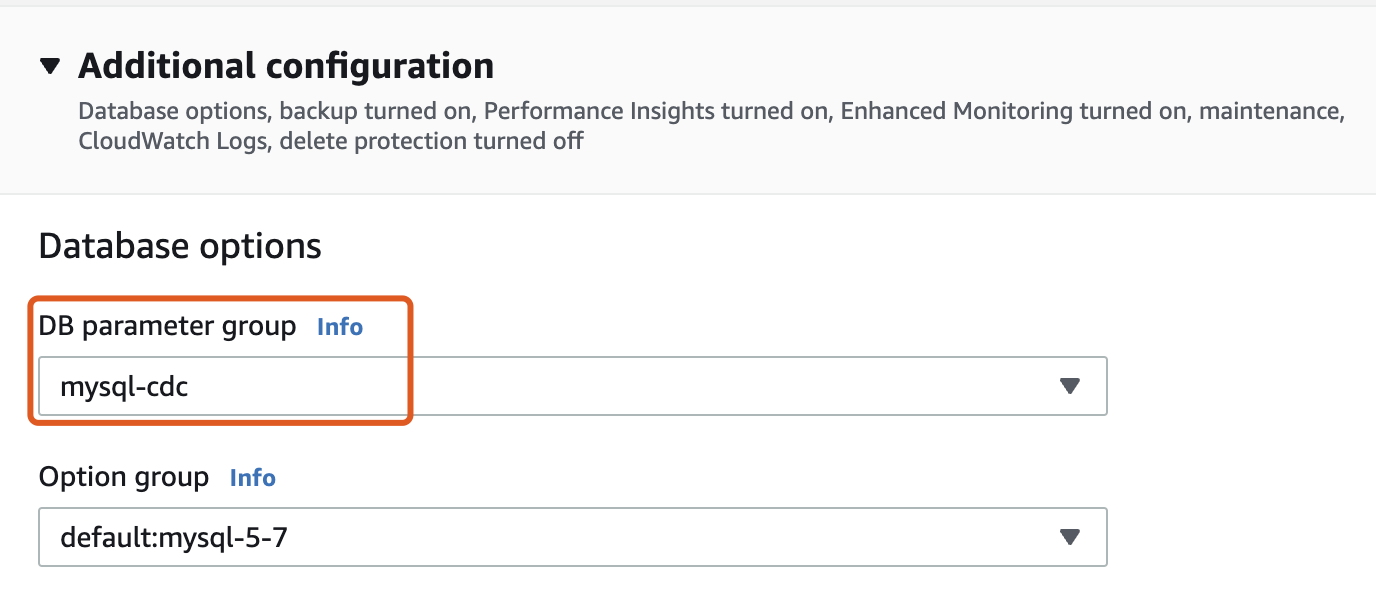
 4. Modify your RDS instance and apply the modified parameter group to your database.

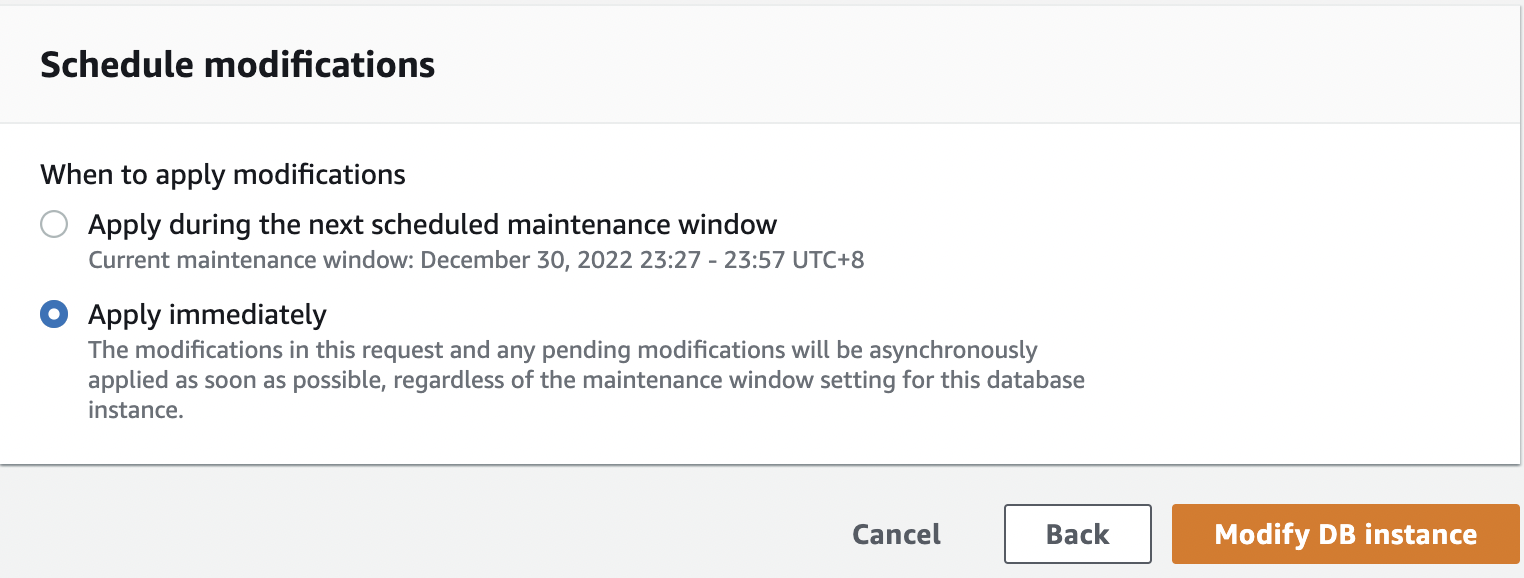
 5. Click **Continue** and choose **Apply immediately**. Finally, click **Modify DB instance** to save the changes. Remember to reboot your MySQL instance.
 6. Ensure your MySQL users can access the tables and replications.