Check current spending
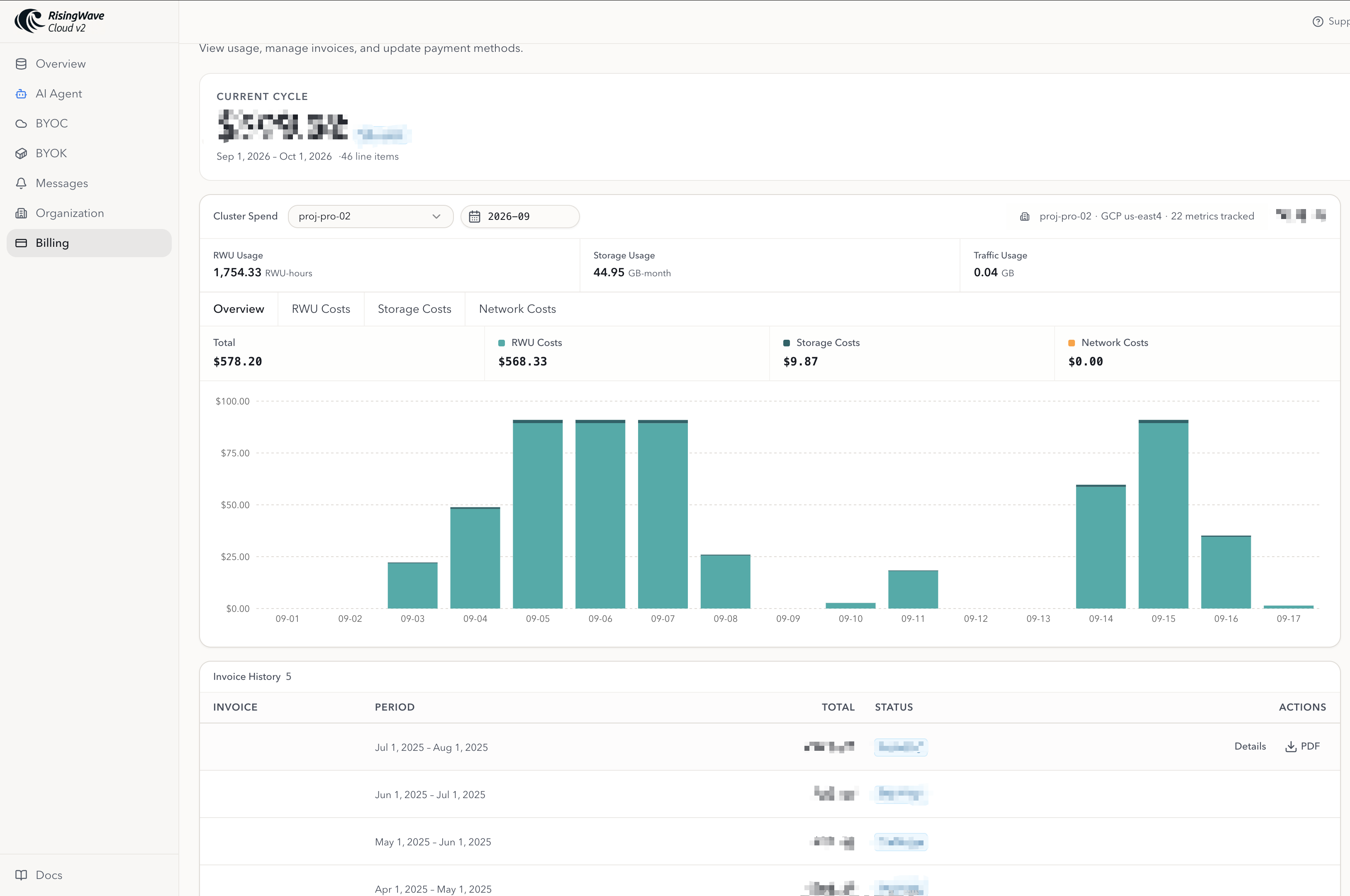
To check the details of your spending during the current billing period:- Go to Billing.
- Check the Current Cycle summary for the current billing period.
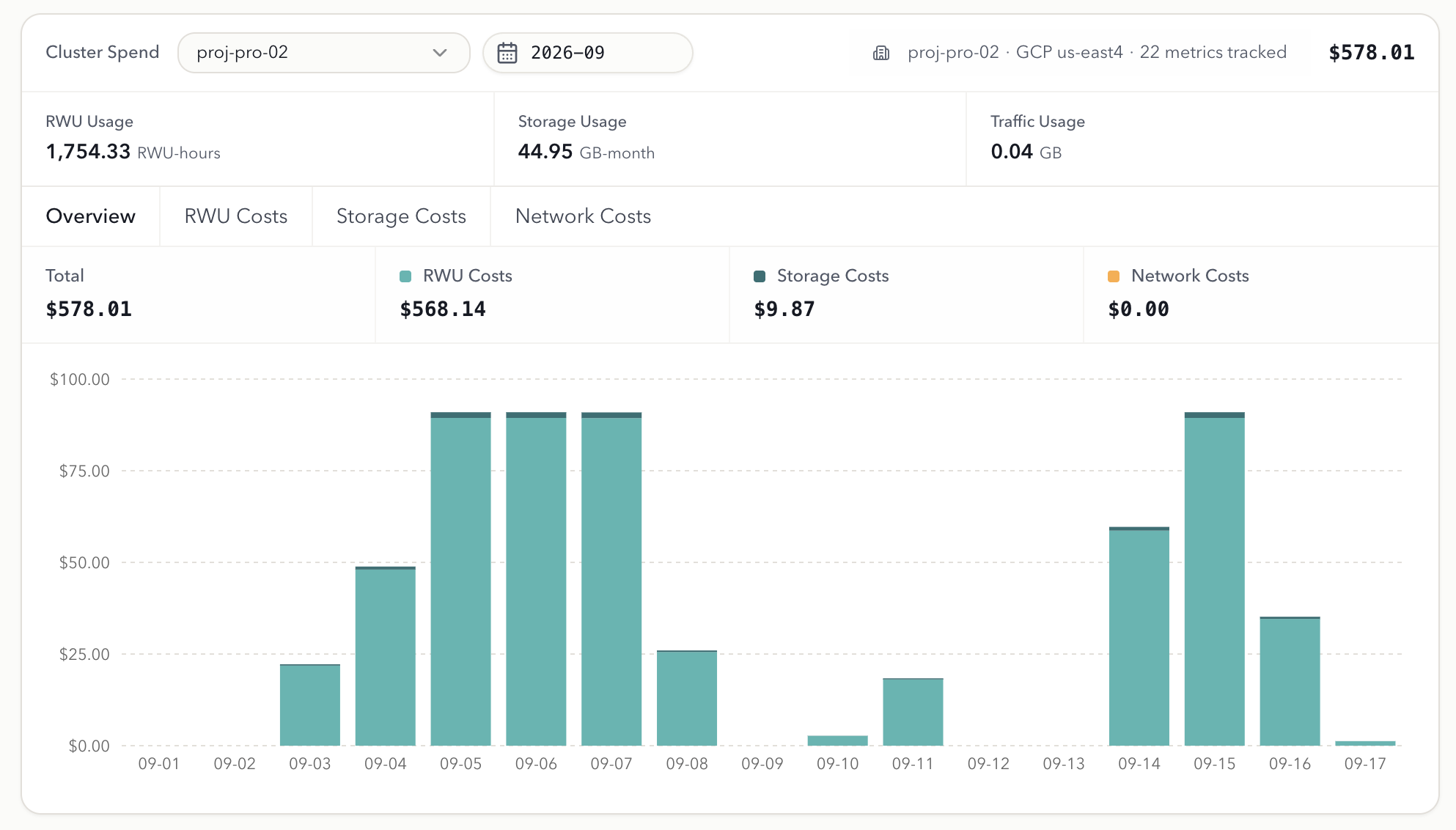
- Use the Cluster Spend section to review usage and charges by cluster.
Check previous spending
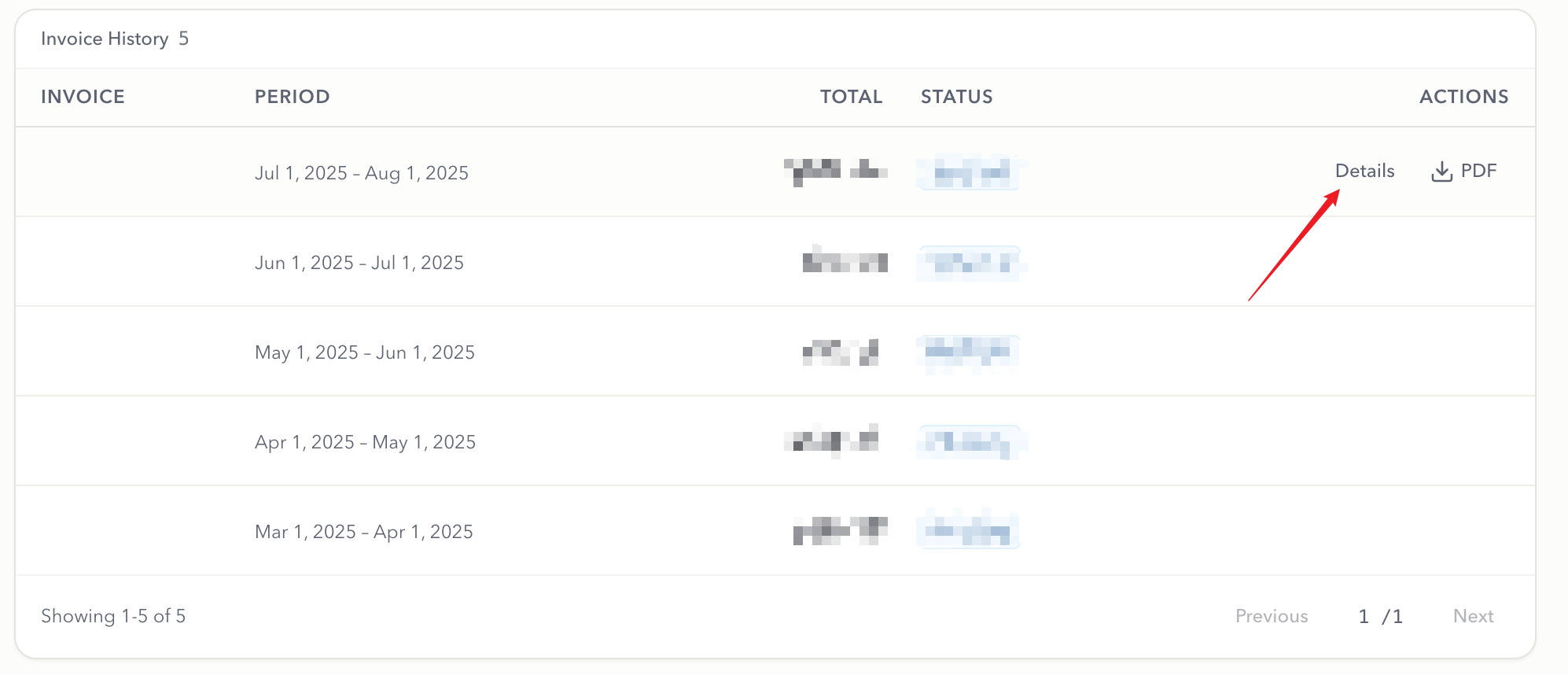
To check the details of your spending during previous billing periods:- Go to Billing.
- Scroll to the Invoices section.
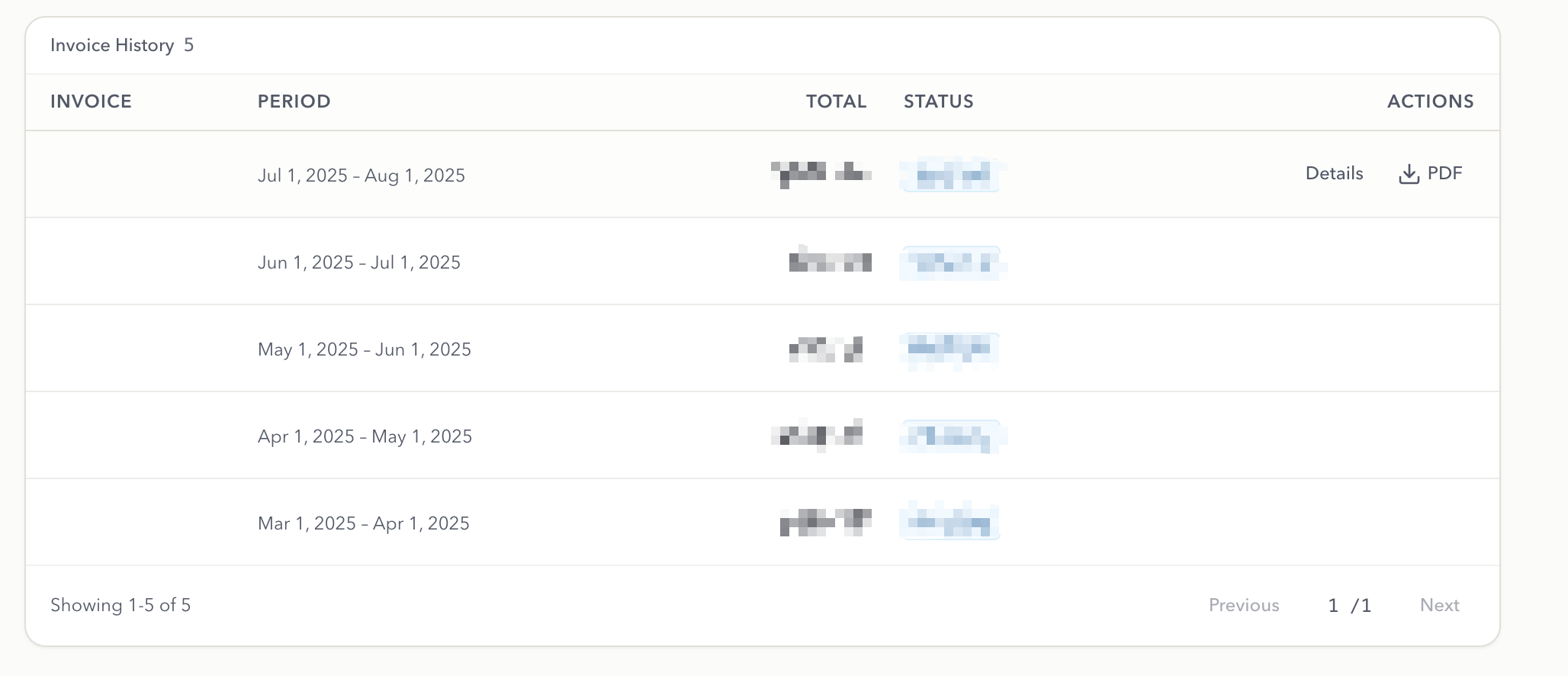
- Click on the ‘Details’ button to view the detailed breakdown of the invoice.